10 underrated Apple Watch features you can set up in minutes
These features don’t usually see the spotlight. Much is often made of "hidden" features in Apple products. But the fact is, every version of the company's hardware and software have been pored over so thoroughly that nothing is truly a secret. Some tools do fly under the radar,
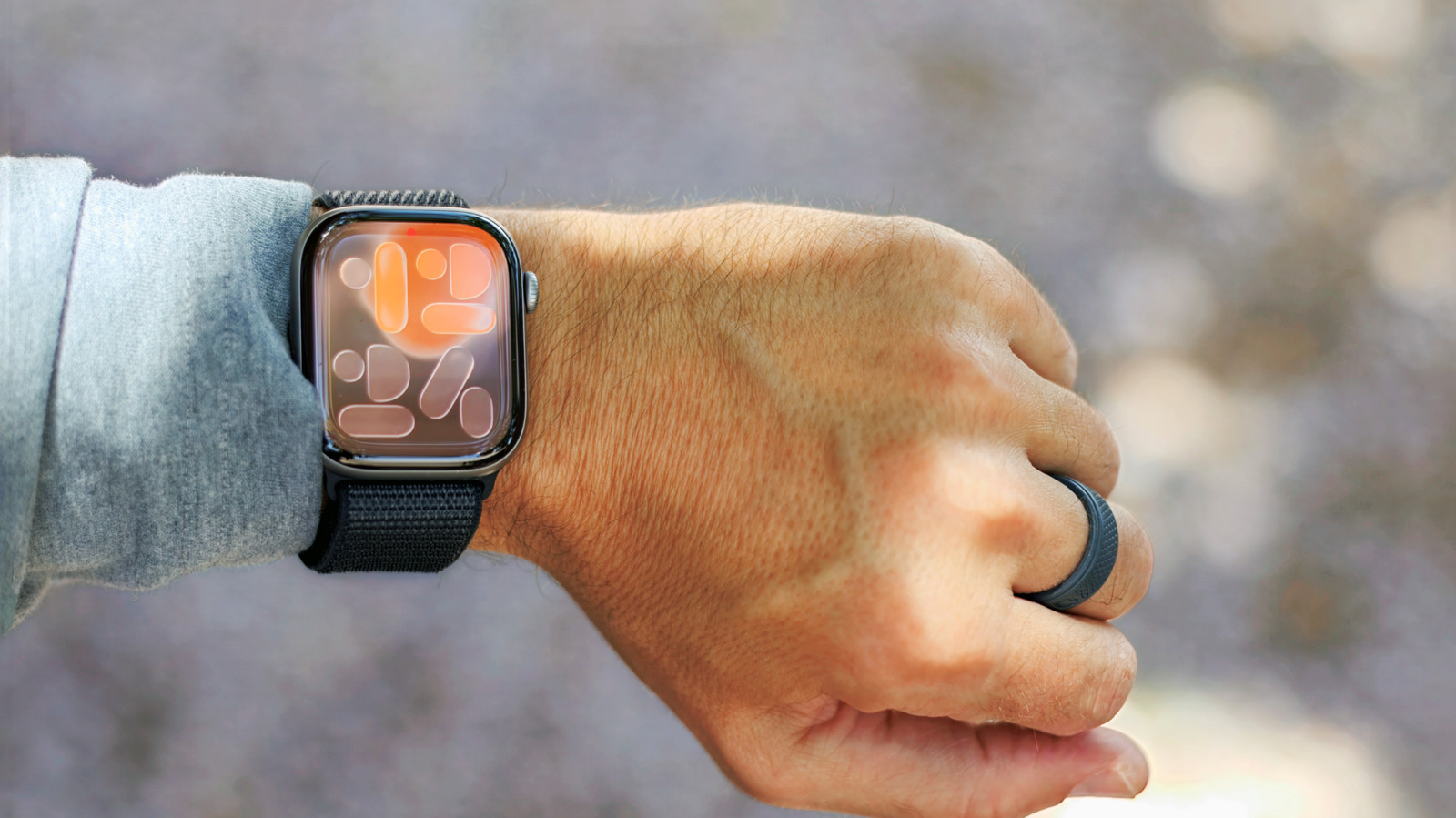
Much is often made of "hidden" features in Apple products. But the fact is, every version of the company's hardware and software have been pored over so thoroughly that nothing is truly a secret. Some tools do fly under the radar, though. If uncovering functions that are off the beaten path is something you enjoy, here are 10 lesser-known Apple Watch features worth checking out.
We'll start with an oldie but a goodie: the Auto Unlock feature that debuted in macOS Sierra in 2016. You can avoid typing your Mac's login password just by wearing your Apple Watch. A satisfying haptic click as you sit down by your machine lets you know the gates have opened.
Most modern MacBooks ship with Touch ID, which has diminished the feature's usefulness a bit. But it's still handy for setups without Touch ID, whether that's the entry-level MacBook Neo , an older MacBook or any desktop model (or MacBook in clamshell mode) with an external monitor. It can also be useful if, perhaps, you aren't able to access the fingerprint sensor for some reason.
As a bonus, Auto Unlock can also authenticate admin-level actions on your Mac. Basically, anything Touch ID can do, Auto Unlock can as well.
To activate it, go to System Settings > Touch ID & Password , and turn on the toggle by your watch's name. You'll need to have Wi-Fi and Bluetooth activated on your Mac and watch. It only works if you're logged in to the same Apple account on both devices, and you'll need to have a passcode set on your watch.
The Apple Watch's Compass app includes a neat feature called Backtrack that helps you retrace your steps. It records your path, so you can follow it back if you get lost. This only works for Apple Watch Series 6 and later or the Apple Watch SE, and you'll need to be running watchOS 10 or newer.
By default, the Apple Watch will automatically start a backtrack session when you start a workout in a remote location. (You can make sure it's activated by going to Settings > Compass on your watch, and checking the Backtrack toggle.) However, since that isn't something you want to take chances with when braving the great outdoors, it can't hurt to start it manually.
The easiest way to start is by adding a Backtrack shortcut to Control Center. Apple Watch Ultra owners can also set up the Action button to start a backtrack session ( Settings > Action Button > Action > Backtrack > Record path ).




