📅 Tax Season 2026 58 days remaining  📁 Collect W-2s, 1099s & receipts first.

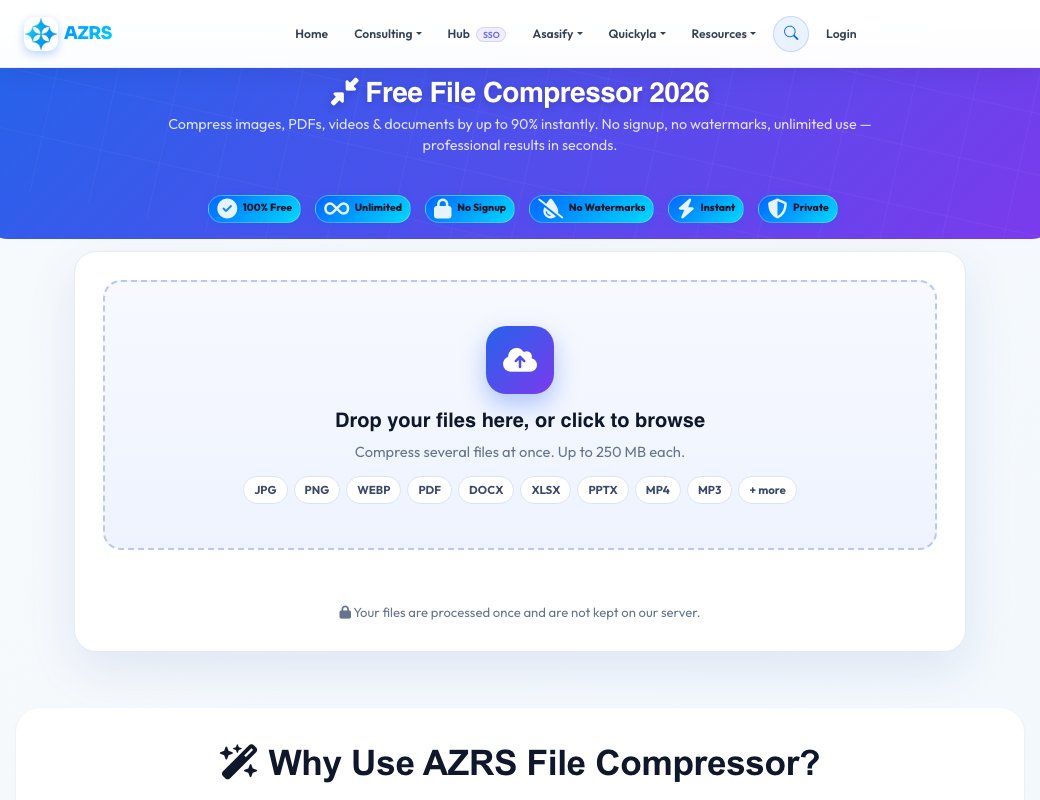
Free File Compressor 2026

Compress images, PDFs, videos & documents by up to 90% instantly. No signup, no watermarks, unlimited use — professional results in seconds.

200+ File Types Up to 90% Smaller 1M+ Users 4.8★ Rated
100% Free Unlimited No Signup No Watermarks Instant Private

Upload Your File

Drag & Drop File Here

or click the button below to browse

Supported: Images (JPG, PNG, WebP, GIF, BMP) • PDFs • Documents (DOCX, XLSX, PPTX) • Videos (MP4, AVI, MOV) • Audio (MP3, WAV)
Max Size: Images 50MB • PDFs 100MB • Videos 500MB

Compression Settings

Quality Level

85%
Max Compression Best Quality
Small (30%) Balanced (60%) Recommended (85%) Lossless (100%)

85% recommended — nearly invisible compression with great size savings.

AUTO mode: We'll automatically apply the best compression settings for your specific file type and content.

Selected File

Preview

Name: -

Size: -

Type: -

Compressing Your File...

Processing... 0%

Compression Complete!

Original Size
-
Compressed Size
-
Space Saved
-
Compression Ratio
-
Size Reduction 0%

Compression Details

-

✨ Why Use AZRS File Compressor?

Professional file compression that actually works

Image Compression

Reduce JPG, PNG, WebP, GIF files by 60-90% while maintaining visual quality. Perfect for websites and social media.

PDF Optimization

Compress large PDF files by 20-50%. Ideal for email attachments and document sharing.

Document Files

Analyze DOCX, XLSX, PPTX files. Already compressed format, but we'll show optimization tips.

Video & Audio

Get compression recommendations for MP4, AVI, MOV, MP3 files. Guidance on best tools and settings.

Custom Quality

Choose compression quality from 10% to 100%. Balance between file size and quality based on your needs.

Privacy First

All files are processed securely and deleted immediately. No storage, no tracking, complete privacy.

⚡ How It Works

Compress any file in 3 simple steps

1
📁

Upload File

Drag & drop or click to browse. Supports images, PDFs, documents, videos & audio.

2
⚙️

Choose Settings

Use AUTO for best results, or MANUAL to set exact quality from 10–100%.

3
💾

Download Result

Get your compressed file instantly with full size savings stats shown.

📂 Supported File Formats

Compress almost any file type

🖼️

Images

JPG, PNG, WebP, GIF, BMP, TIFF

60–90% compression
📄

PDF Files

PDF documents & scanned pages

20–50% compression
📝

Documents

DOCX, XLSX, PPTX files

Already compressed
🎬

Videos

MP4, AVI, MOV, MKV, WebM

Guidance provided
🎵

Audio

MP3, WAV, OGG, FLAC, AAC

Format conversion

❓ Frequently Asked Questions

Everything you need to know about file compression

Is this file compressor really free?

Yes! 100% free forever with unlimited usage. No hidden fees, no subscriptions, no watermarks. Compress as many files as you want, whenever you want.

How much can I reduce my file size?

It depends on the file type and content. Images typically compress 60–90%, PDFs 20–50%. Documents like DOCX/XLSX are already internally compressed so savings are minimal. Videos and audio require specific tools (we provide guidance).

Do you store or share my files?

No. All files are processed in real-time and automatically deleted immediately after compression. We never store, view, analyse, or share your files. Your data stays completely private.

What's the difference between quality settings?

Lower quality (10–50%) = maximum compression but visible quality loss. Medium (60–80%) = balanced compression with minimal visible loss. High (85–100%) = small size reduction, best quality. We recommend 85% for most uses — compression is nearly invisible to the human eye.

Can I compress PNG without losing quality?

Yes! Set quality to 100% for lossless PNG compression — this applies PNG-specific optimisation (removing metadata, optimising colour palette) without any visible quality loss. For further reduction, 90–95% quality is nearly indistinguishable from the original.

What is the maximum file size?

Images: 50MB max. PDFs/Documents: 100MB max. Videos: 500MB max. These limits ensure fast processing for all users. For larger files, consider splitting them first.

Can I compress video and audio files?

Video and audio compression typically requires dedicated tools like ffmpeg or HandBrake. We provide file analysis and detailed recommendations with the best settings for your specific files, so you can compress them using free desktop tools.

What's the difference between lossy and lossless compression?

Lossless compression (100% quality) reduces file size without any data loss — the decompressed file is identical to the original. Lossy compression (below 100%) achieves greater size reductions by permanently removing some data, but at high quality settings (85%+) the difference is virtually undetectable.

Will my compressed images look different?

At 85% quality (our recommended setting), compression artifacts are virtually invisible. You'd need to view at 400% zoom and compare side-by-side to spot any difference. For professional printing, use 95%+. For web use, 75–85% is perfect.

How do I compress a file for email attachment?

Most email providers limit attachments to 10–25MB. Upload your file, use AUTO mode, and compress. For images, 85% quality typically reduces a 5MB photo to under 1MB. For PDFs, AUTO mode will optimise fonts, images, and remove unnecessary metadata.

🏢

Built by AZRS Corp

AZRS Corporation is a technology company based in Fremont, California, specialising in AI-powered web tools. We build free, accessible software that helps millions of users optimise their files and workflows every day.

All Tools
Homework Planner
GPA Calc
Flashcards
Citations
Study Timer
Grade Calc
Unit Conv.
File Compress
File Convert
PDF Merger
Image→PDF
Text Extract
Video DL
PDF Splitter
File Encrypt
BG Remover
FG Remover
Color Changer
Img Resizer
QR Code
Percentage
Loan EMI
Mortgage
Tax Calc
Salary
Currency
BMI
Tip Calc
Compound Int.
Translator
Summarizer
Transcription
AI Chat
Project Maker
Paraphraser
Word Counter
Case Converter
Paraphraser
Summarizer
Text Extractor
Find & Replace
Diff Checker
Text to Speech
Lorem Ipsum
JSON Format
Base64
Regex Tester
Speed Test
My IP
Notes App
Stock Advisor
Risk Simulator
CSV↔JSON
XML↔JSON
Base64
URL Encode
Binary↔Text
MoleMath
ChemScope
Periodic Table
SEO Analyzer
Speed Test
Keywords
Internal Links
Cannibalization
Tech Stack
Islam Home
Prayer Times
Quran Reader
Halal/Haram
Christianity
All Religions
Prayer Times
Athan
Qibla
Tasbih
Halal Scanner
Zakat Calc
Masjid Finder
Ramadan
Quran Reader
Hadith
Flappy Bird
Snake
Chess
2048
Tetris
All Games →
All News
Tech News
AI News
World News
Islamic News
Finance News
Sports
Science
Health
Web Dev
Tax Services
Business
Book Appt
Expenses
All Services