📅 Tax Season 2026 58 days remaining  📁 Collect W-2s, 1099s & receipts first.
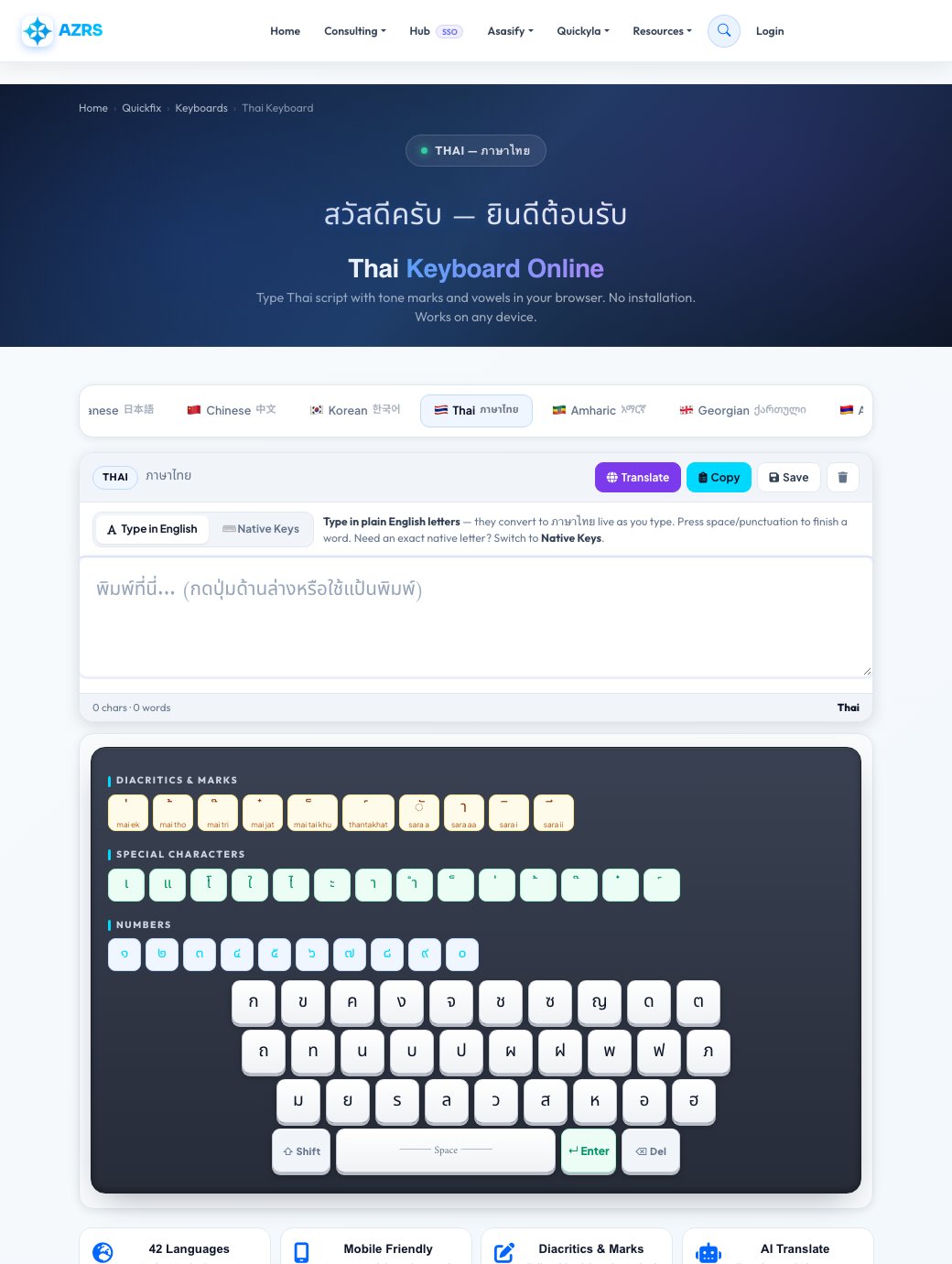
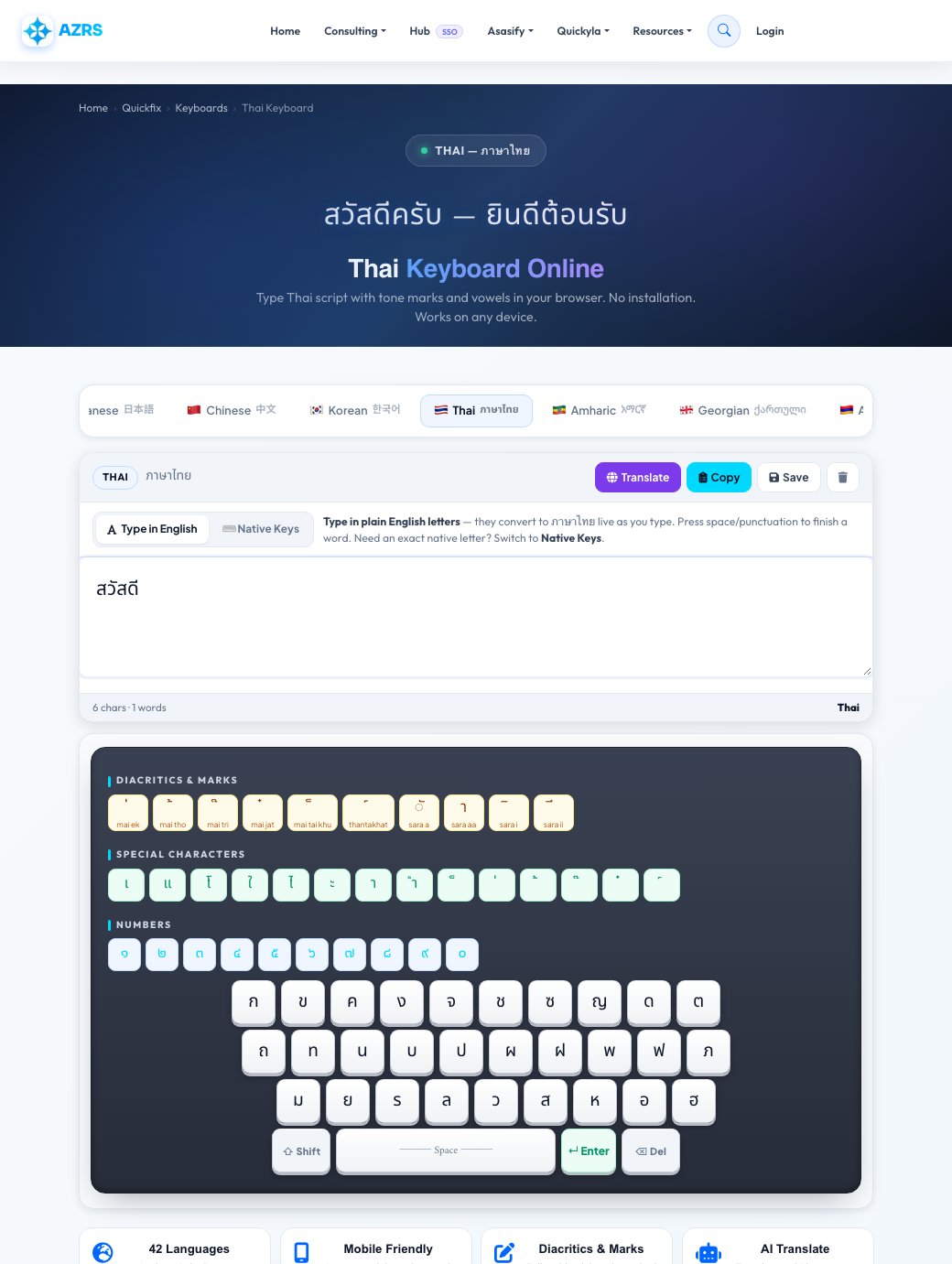
Thai — ภาษาไทย

Thai Keyboard Online

Type Thai script with tone marks and vowels in your browser. No installation. Works on any device.

🇸🇦 Arabic 🇵🇰 Urdu 🇮🇷 Persian 🇮🇱 Hebrew 🇮🇳 Hindi 🇧🇩 Bengali 🇹🇷 Turkish 🇷🇺 Russian 🇬🇷 Greek 🇯🇵 Japanese 🇨🇳 Chinese 🇰🇷 Korean 🇹🇭 Thai 🇪🇹 Amharic 🇬🇪 Georgian 🇦🇲 Armenian 🇪🇸 Spanish 🇫🇷 French 🇩🇪 German 🇧🇷 Portuguese 🇮🇹 Italian 🇻🇳 Vietnamese 🇮🇩 Indonesian 🇰🇪 Swahili 🇮🇳 Punjabi 🇮🇳 Gujarati 🇮🇳 Tamil 🇮🇳 Telugu 🇮🇳 Kannada 🇮🇳 Malayalam 🇱🇰 Sinhala 🇳🇵 Nepali 🇲🇲 Myanmar 🏔️ Tibetan 🇲🇳 Mongolian 🇰🇿 Kazakh 🇺🇦 Ukrainian 🇵🇱 Polish 🇨🇿 Czech 🇸🇴 Somali 🇳🇬 Hausa 🇳🇬 Yoruba
Thai ภาษาไทย
0 chars · 0 words Thai

🌐 AI Translation

Translating…
🌍

42 Languages

Arabic, Urdu, Persian, Hebrew, Hindi, Chinese, Korean, Japanese, Thai & more

📱

Mobile Friendly

Large touch keys designed for phones, tablets & desktops

✏️

Diacritics & Marks

Full tashkeel, harakat, nikud and accent marks for all scripts

🤖

AI Translate

Translate to 16 languages instantly, powered by Groq AI

All Keyboards

Browse by Language

Each language has its own dedicated page with full SEO and keyboard support.

More Tools

Related Tools

Free Thai Keyboard — Type Thai Script Online Without Installation

AZRS Corp's online Thai keyboard lets you type Thai script with tone marks and vowels in any browser. No software installs or system changes required. Copy Thai text and paste it into any app.

Thai Script & Writing System

Thai uses a unique abugida script with 44 consonants, 15 vowel symbols, and 4 tone marks. It is written left-to-right without spaces between words. Thai is the official language of Thailand with about 70 million speakers.

All Supported Languages & Scripts

  • Arabic (عربي) — 🇸🇦
  • Urdu (اردو) — 🇵🇰
  • Persian (فارسی) — 🇮🇷
  • Hebrew (עברית) — 🇮🇱
  • Hindi (हिन्दी) — 🇮🇳
  • Bengali (বাংলা) — 🇧🇩
  • Turkish (Türkçe) — 🇹🇷
  • Russian (Русский) — 🇷🇺
  • Greek (Ελληνικά) — 🇬🇷
  • Japanese (日本語) — 🇯🇵
  • Chinese (中文) — 🇨🇳
  • Korean (한국어) — 🇰🇷
  • Thai (ภาษาไทย) — 🇹🇭
  • Amharic (አማርኛ) — 🇪🇹
  • Georgian (ქართული) — 🇬🇪
  • Armenian (Հայերեն) — 🇦🇲
  • Spanish (Español) — 🇪🇸
  • French (Français) — 🇫🇷
  • German (Deutsch) — 🇩🇪
  • Portuguese (Português) — 🇧🇷
  • Italian (Italiano) — 🇮🇹
  • Vietnamese (Tiếng Việt) — 🇻🇳
  • Indonesian (Bahasa Indonesia) — 🇮🇩
  • Swahili (Kiswahili) — 🇰🇪
  • Punjabi (ਪੰਜਾਬੀ) — 🇮🇳
  • Gujarati (ગુજરાતી) — 🇮🇳
  • Tamil (தமிழ்) — 🇮🇳
  • Telugu (తెలుగు) — 🇮🇳
  • Kannada (ಕನ್ನಡ) — 🇮🇳
  • Malayalam (മലയാളം) — 🇮🇳
  • Sinhala (සිංහල) — 🇱🇰
  • Nepali (नेपाली) — 🇳🇵
  • Myanmar (မြန်မာဘာသာ) — 🇲🇲
  • Tibetan (བོད་སྐད།) — 🏔️
  • Mongolian (Монгол) — 🇲🇳
  • Kazakh (Қазақша) — 🇰🇿
  • Ukrainian (Українська) — 🇺🇦
  • Polish (Polski) — 🇵🇱
  • Czech (Čeština) — 🇨🇿
  • Somali (Af Soomaali) — 🇸🇴
  • Hausa (Hausa) — 🇳🇬
  • Yoruba (Yorùbá) — 🇳🇬

How to Use the Thai Keyboard

  • Select Thai from the scrollable language tab bar above
  • Tap virtual keys or type on your physical keyboard — both work simultaneously
  • Use the diacritics strip for vowel marks, tashkeel, and accent symbols
  • Use the Special Characters row for punctuation and common phrases
  • Tap 🌐 Translate to instantly translate your text into 16 languages with AI
  • Tap 📋 Copy to copy your text — then paste into WhatsApp, Word, or email
  • Tap 💾 Save to download your text as a plain-text file

Why Use an Online Thai Keyboard?

Thai script requires a special keyboard layout unavailable on most Western devices. Our online keyboard gives immediate access to the full Thai character set.

Frequently Asked Questions

How do I type Thai online without a Thai keyboard?
Open this page, click Thai in the language bar, and tap the on-screen keys. Your physical keyboard works too. No installs or extensions needed.
Is this Thai keyboard free?
Yes — 100% free with no sign-up. All 42 language keyboards on AZRS Corp are free on any device.
Can I translate Thai text to English?
Yes. Type your text, tap 🌐 Translate, then pick English from the dropdown. AI translation supports 16 target languages.
Does the Thai keyboard work on iPhone and Android?
Yes. Large touch-friendly keys work great on mobile. Supports Safari, Chrome, and Firefox on all phones and tablets — no app download needed.
How do I copy Thai text to paste into WhatsApp or Word?
After typing, tap 📋 Copy. Your text is on the clipboard — paste it into WhatsApp, iMessage, Word, Google Docs, email, or social media instantly.
All Tools
Homework Planner
GPA Calc
Flashcards
Citations
Study Timer
Grade Calc
Unit Conv.
File Compress
File Convert
PDF Merger
Image→PDF
Text Extract
Video DL
PDF Splitter
File Encrypt
BG Remover
FG Remover
Color Changer
Img Resizer
QR Code
Percentage
Loan EMI
Mortgage
Tax Calc
Salary
Currency
BMI
Tip Calc
Compound Int.
Translator
Summarizer
Transcription
AI Chat
Project Maker
Paraphraser
Word Counter
Case Converter
Paraphraser
Summarizer
Text Extractor
Find & Replace
Diff Checker
Text to Speech
Lorem Ipsum
JSON Format
Base64
Regex Tester
Speed Test
My IP
Notes App
Stock Advisor
Risk Simulator
CSV↔JSON
XML↔JSON
Base64
URL Encode
Binary↔Text
MoleMath
ChemScope
Periodic Table
SEO Analyzer
Speed Test
Keywords
Internal Links
Cannibalization
Tech Stack
Islam Home
Prayer Times
Quran Reader
Halal/Haram
Christianity
All Religions
Prayer Times
Athan
Qibla
Tasbih
Halal Scanner
Zakat Calc
Masjid Finder
Ramadan
Quran Reader
Hadith
Flappy Bird
Snake
Chess
2048
Tetris
All Games →
All News
Tech News
AI News
World News
Islamic News
Finance News
Sports
Science
Health
Web Dev
Tax Services
Business
Book Appt
Expenses
All Services