📅 Tax Season 2026 58 days remaining  📁 Collect W-2s, 1099s & receipts first.
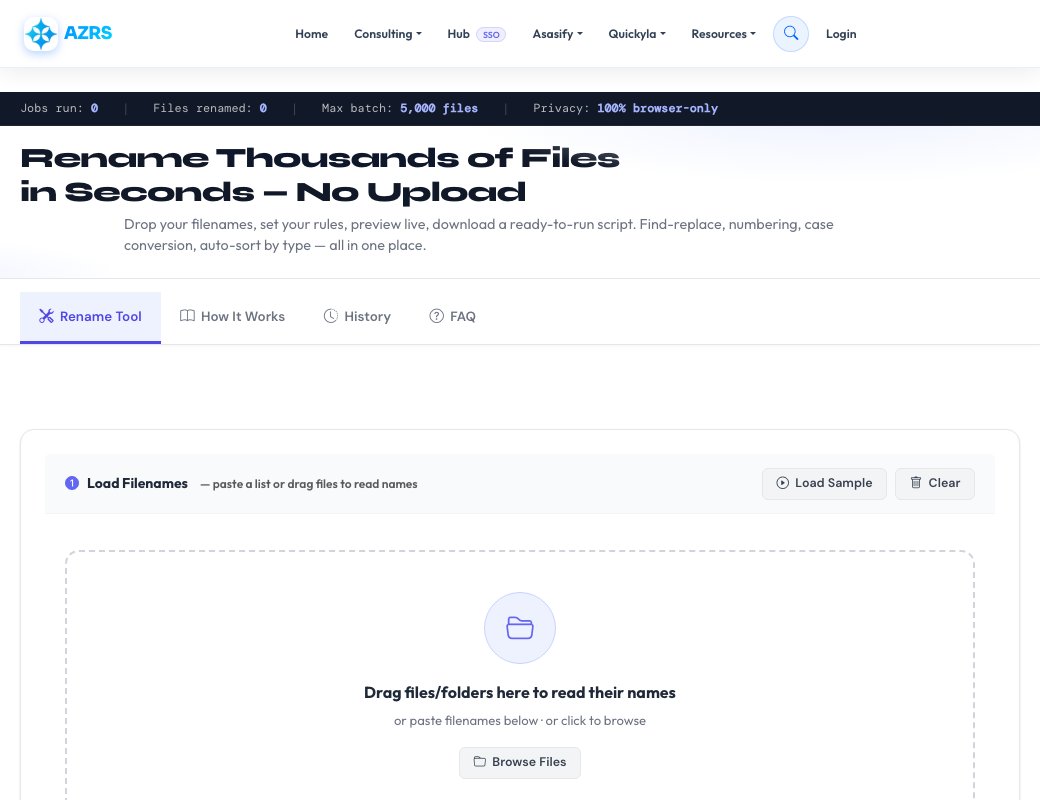
Jobs run: 0 | Files renamed: 0 | Max batch: 5,000 files | Privacy: 100% browser-only
Free Bulk Rename Tool

Rename Thousands of Files
in Seconds — No Upload

Drop your filenames, set your rules, preview live, download a ready-to-run script. Find-replace, numbering, case conversion, auto-sort by type — all in one place.

Files never leave your device Up to 5,000 files Bash · PowerShell · Python scripts 100% Free, no signup
Live Preview
IMG_0042.JPG vacation_042.jpg
screen shot 2024.PNG screenshot_2024.png
My Document (1).docx my-document-001.docx
report_final.pdf report_final.pdf
Load Filenames — paste a list or drag files to read names
Drag files/folders here to read their names
or paste filenames below · or click to browse
0 files loaded 0
Rename Rules
Find & Replace
Case Conversion
Spaces & Characters
Prefix & Suffix
Auto-Numbering
Filters
Auto-Organise into Folders
0
Changed
0
Unchanged
0
Duplicates
0
Errors

Preview — 0 files

Changes are not applied yet. Download a script below to apply to your actual files.
# Original Name New Name Folder Status
Ready to export
How It Works

Three steps from messy filenames to a clean, organised folder — all without ever uploading your files.

1

Load filenames

Drag files or folders onto the drop zone, paste a list of names, or browse and select. Only filenames are read — file contents stay on your device.

2

Configure rules

Mix and match: find-replace, case conversion, auto-numbering, prefix/suffix, remove special characters, change extensions, auto-sort into folders.

3

Preview & export

See every change before it happens. Spot duplicates and errors. Download a Bash, PowerShell, or Python script and run it from your files folder.

All the Features You Need

Everything built in — no extensions, no plugins, no account.

Find & Replace

Plain text or full regular expressions with capture groups. Case-sensitive toggle included.

Case Conversion

Switch to lowercase, UPPERCASE, Title Case, camelCase, snake_case, or kebab-case instantly.

Auto-Numbering

Add sequential numbers as prefix, suffix, or replace the whole name. Control start, padding, and separator.

Prefix & Suffix

Prepend dates, project codes, or tags. Append version numbers or status labels to every file.

Smart Folder Sort

Auto-route files into subfolders by type (images, videos, docs…), extension, first letter, or custom regex rules.

Duplicate Detection

Highlights any two files that would end up with the same name after renaming — before you run the script.

Script Export

Download a ready-to-run Bash, PowerShell, or Python script. Run it from your folder — no installation needed.

100% Private

Files never leave your device. Only filenames are processed. No upload, no storage, no tracking.

Why Use a Bulk File Renamer?

Manually renaming dozens — let alone thousands — of files is tedious, error-prone, and eats up time that's better spent elsewhere. Whether you're a photographer cleaning up a shoot, a developer normalising asset names, or a researcher organising a data archive, a batch rename tool can turn a day of clicking into a few seconds of work.

Our tool runs entirely in your browser using JavaScript. This means your actual files are never uploaded to any server — only the filenames you provide are ever processed. The output is a portable shell script you run yourself, giving you full control and a reviewable audit trail.

Common use-cases include: normalising photo names from cameras (IMG_0042.JPG → photo_042.jpg), sanitising filenames for web deployment (removing spaces and special characters), adding date prefixes to backups, converting Windows paths to Unix-friendly names, and bulk-changing file extensions after a format conversion.

Rename History

Recent jobs processed by your browser session or IP.

Loading…
Frequently Asked Questions
Does this tool upload my files?
No. The tool runs entirely in your browser. When you drag files onto the drop zone, only their filenames are read — no file contents, metadata, or thumbnails are ever sent to any server.
How many files can I rename at once?
Up to 5,000 filenames per batch. For very large batches (10,000+), consider splitting them into multiple runs or contacting us to discuss enterprise options.
Can I use regular expressions?
Yes. Toggle "Regex" in the Find & Replace panel to enable full JavaScript-compatible regular expressions, including capture groups (e.g. replace (\d{4})-(\d{2})-(\d{2}) with $3/$2/$1 to reformat dates).
How do I apply the renames to my actual files?
Click "Export Script" after previewing. You'll get a Bash script (.sh), a PowerShell script (.ps1), and a Python script (.py). Open a terminal, navigate to your files folder, and run the script of your choice. On macOS/Linux use the Bash script; on Windows use PowerShell.
What does the duplicate warning mean?
Two or more files would end up with the exact same new name after your rules are applied. Running the script as-is would overwrite one file with another. Adjust your rules (e.g. add numbering) to make each filename unique before running.
Can I organise files into folders at the same time?
Yes. Under "Auto-Organise into Folders" choose a sorting strategy: by file type (images, videos, documents…), by extension, by first letter A–Z, or define custom regex rules mapping patterns to folder names. The exported script includes the necessary mkdir and mv commands.
Is this tool free?
Yes, completely free with no account or sign-up required. There are no ads in this tool and we do not monetise your data.
All Tools
Homework Planner
GPA Calc
Flashcards
Citations
Study Timer
Grade Calc
Unit Conv.
File Compress
File Convert
PDF Merger
Image→PDF
Text Extract
Video DL
PDF Splitter
File Encrypt
BG Remover
FG Remover
Color Changer
Img Resizer
QR Code
Percentage
Loan EMI
Mortgage
Tax Calc
Salary
Currency
BMI
Tip Calc
Compound Int.
Translator
Summarizer
Transcription
AI Chat
Project Maker
Paraphraser
Word Counter
Case Converter
Paraphraser
Summarizer
Text Extractor
Find & Replace
Diff Checker
Text to Speech
Lorem Ipsum
JSON Format
Base64
Regex Tester
Speed Test
My IP
Notes App
Stock Advisor
Risk Simulator
CSV↔JSON
XML↔JSON
Base64
URL Encode
Binary↔Text
MoleMath
ChemScope
Periodic Table
SEO Analyzer
Speed Test
Keywords
Internal Links
Cannibalization
Tech Stack
Islam Home
Prayer Times
Quran Reader
Halal/Haram
Christianity
All Religions
Prayer Times
Athan
Qibla
Tasbih
Halal Scanner
Zakat Calc
Masjid Finder
Ramadan
Quran Reader
Hadith
Flappy Bird
Snake
Chess
2048
Tetris
All Games →
All News
Tech News
AI News
World News
Islamic News
Finance News
Sports
Science
Health
Web Dev
Tax Services
Business
Book Appt
Expenses
All Services